Introduction: The Perfect Entry Point to Gaming
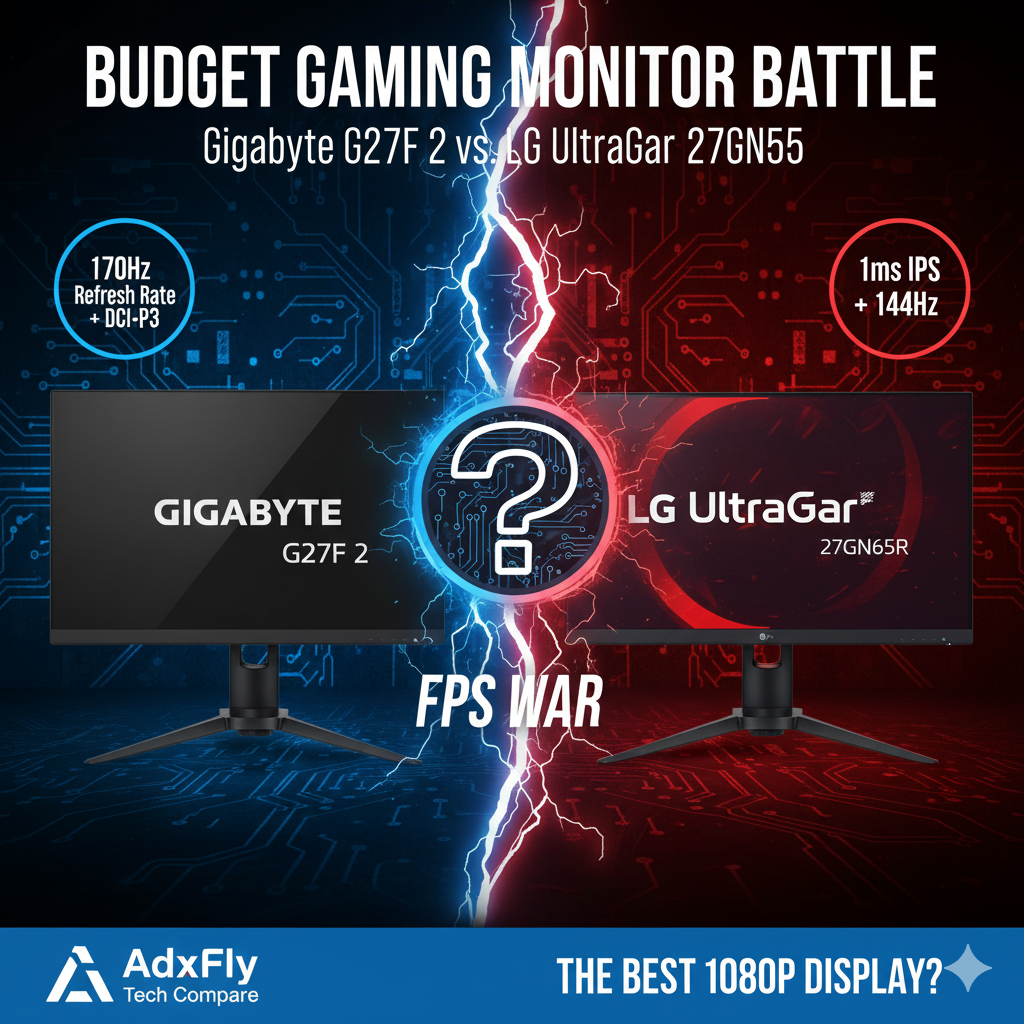
For gamers building their first serious PC or looking for an upgrade from a basic 60Hz screen, the 27-inch, 1080p, 144Hz IPS monitor segment offers the best blend of speed, color quality, and affordability. Two models stand out as the most competitive options: the feature-rich Gigabyte G27F 2 and the performance-focused LG UltraGear 27GN65R.
Which budget monitor maximizes your GPU’s performance? AdxFly Tech Compare analyzes their response times, color accuracy, and essential gaming features to crown the best 1080p champion of 2025.
Quick Specifications Overview
| Feature (विशेषता) | Gigabyte G27F 2 | LG UltraGear 27GN65R |
| Panel Type | IPS | IPS |
| Resolution | 1920×1080 (FHD) | 1920×1080 (FHD) |
| Refresh Rate | 170 Hz (Overclocked) | 144 Hz |
| Response Time | 1ms (MPRT) | 1ms (GTG/MPRT) |
| Brightness | 300 cd/m² (Typical) | 300 cd/m² (Typical) |
| Color Gamut | 95% DCI-P3, 130% sRGB | 99% sRGB |
| Stand Adjustments | Height & Tilt | Height & Tilt |
1. Speed and Performance: The Competitive Edge
For fast-paced FPS games, low response time and high refresh rate are crucial.
A. Refresh Rate Advantage (H3)
The Gigabyte G27F 2 offers a slight advantage with an overclockable 170 Hz refresh rate compared to the LG’s native 144 Hz. While the difference is minor, the extra frames per second contribute to a marginally smoother visual experience in high-refresh-rate titles.
B. Response Time and Motion Blur (H3)
Both monitors use IPS panels with a claimed 1ms response time, indicating they are fast enough to eliminate noticeable motion blur for most competitive gamers. The superior technology used in both ensures that pixel transitions (how fast a pixel changes color) are quick enough to handle 144Hz/170Hz smoothly, a significant step up from older VA or slow IPS panels.
2. Image Quality and Color Accuracy
Since both use IPS panels, they offer excellent viewing angles and better color than TN panels.
A. Color Gamut (H3)
The Gigabyte G27F 2 is a standout feature championing 130% sRGB coverage and a wide 95% DCI-P3 color gamut. This means it displays richer, more saturated, and vibrant colors, making it excellent for media consumption and casual photo/video editing alongside gaming. The LG UltraGear 27GN65R offers a strong 99% sRGB standard, which is excellent but slightly less vibrant than the Gigabyte.
B. Resolution and PPI (H3)
A 27-inch monitor with a 1080p resolution results in a lower Pixel Per Inch (PPI) density. This means you might notice individual pixels or softer text clarity compared to a 24-inch 1080p monitor. While this is a shared drawback, the Gigabyte G27F 2’s higher color saturation helps distract from the lower pixel density.
3. Gaming Features and Ergonomics
Both monitors pack crucial features, but Gigabyte adds extra software value.
A. Adaptive Sync (H3)
Both models support AMD FreeSync Premium, and both are NVIDIA G-SYNC Compatible (unofficially or officially). This eliminates screen tearing and stuttering, which is non-negotiable for a modern gaming monitor.
B. Exclusive Gaming Tools (H3)
The Gigabyte G27F 2 is packed with unique software tools via its OSD Sidekick app:
- OSD Sidekick: Allows you to control monitor settings using a mouse and keyboard.
- GameAssist: Includes a customizable Crosshair, Timer, and Counter overlays.
- Black Equalizer: Brightens dark areas without overexposing bright ones, a key advantage in dark competitive games.
C. Stand and Connectivity (H3)
Both offer height and tilt adjustment, which is critical for ergonomics. The Gigabyte G27F 2 often includes a useful USB Hub (USB 3.0 ports), making it a better choice for connecting peripherals directly to the monitor.
Final Decision: Features vs. Reliability
👉 Choose the Gigabyte G27F 2 If:
- You prioritize color vibrancy (DCI-P3) and the slightly higher 170 Hz refresh rate.
- You want extra gaming tools (Crosshair, Black Equalizer) and the convenience of a USB Hub.
- You seek the best feature-set for your budget.
👉 Choose the LG UltraGear 27GN65R If:
- You prioritize brand reputation for display panel quality and driver stability.
- You need a monitor with a classic, proven design and reliable performance.
- You are content with the industry-standard 144 Hz refresh rate.
AdxFly’s Final Word: The Gigabyte G27F 2 offers better specifications (170Hz, USB Hub, higher color gamut) for the price, making it the best value budget monitor.